Updated April 16, 2026

duct tape ai

duct tape ai is a model codename seen in anonymous image testing. To test it, go to arena.ai and use Battle mode. In GPT image generation, this test line can also appear at random. The clearest changes usually show up in text rendering, UI layout, and dense composition stability.

Common tests go straight to text posters, complex UI, livestream screens, and character sheets.

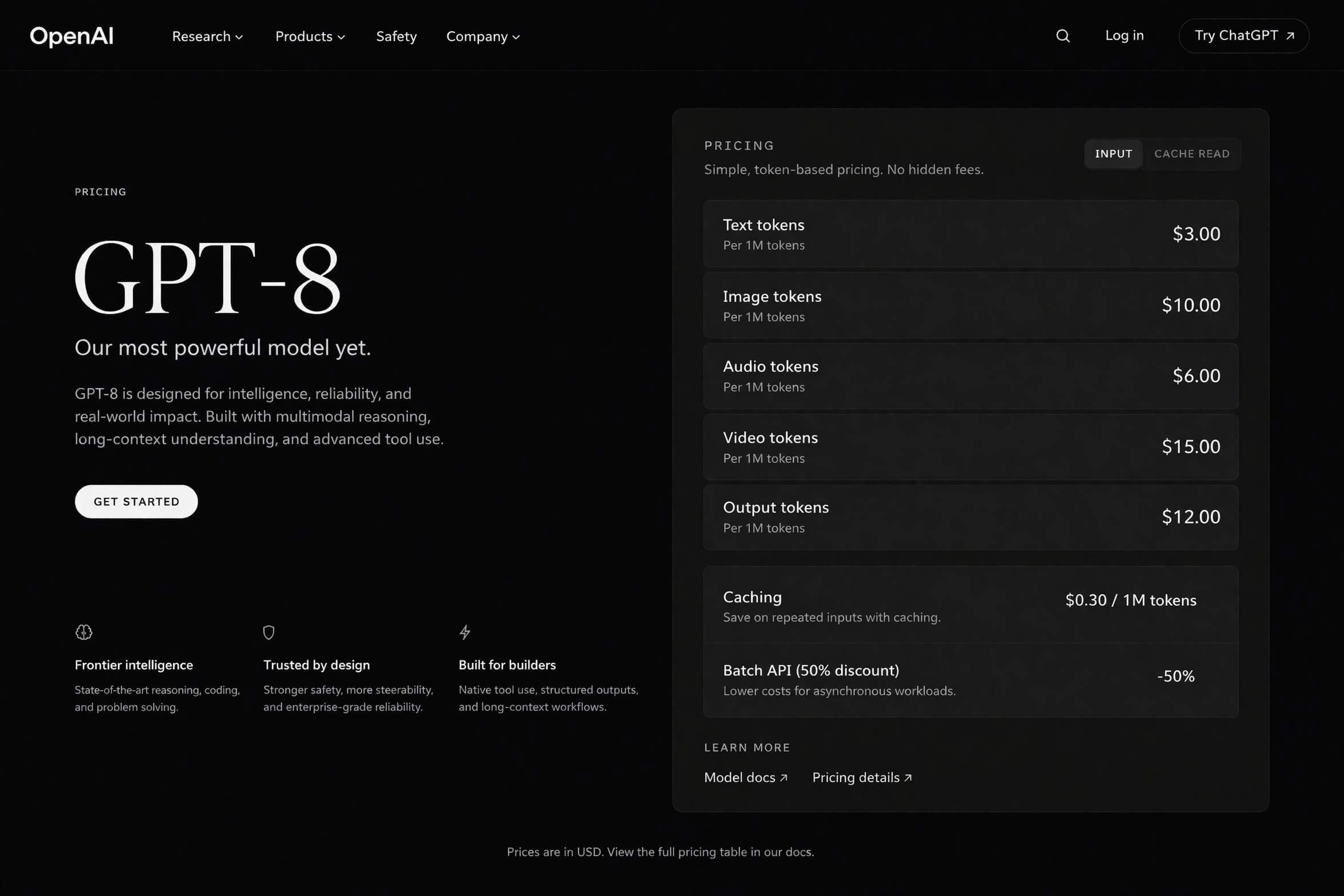
Dark product page with long text blocks and pricing panels.
Long-text page
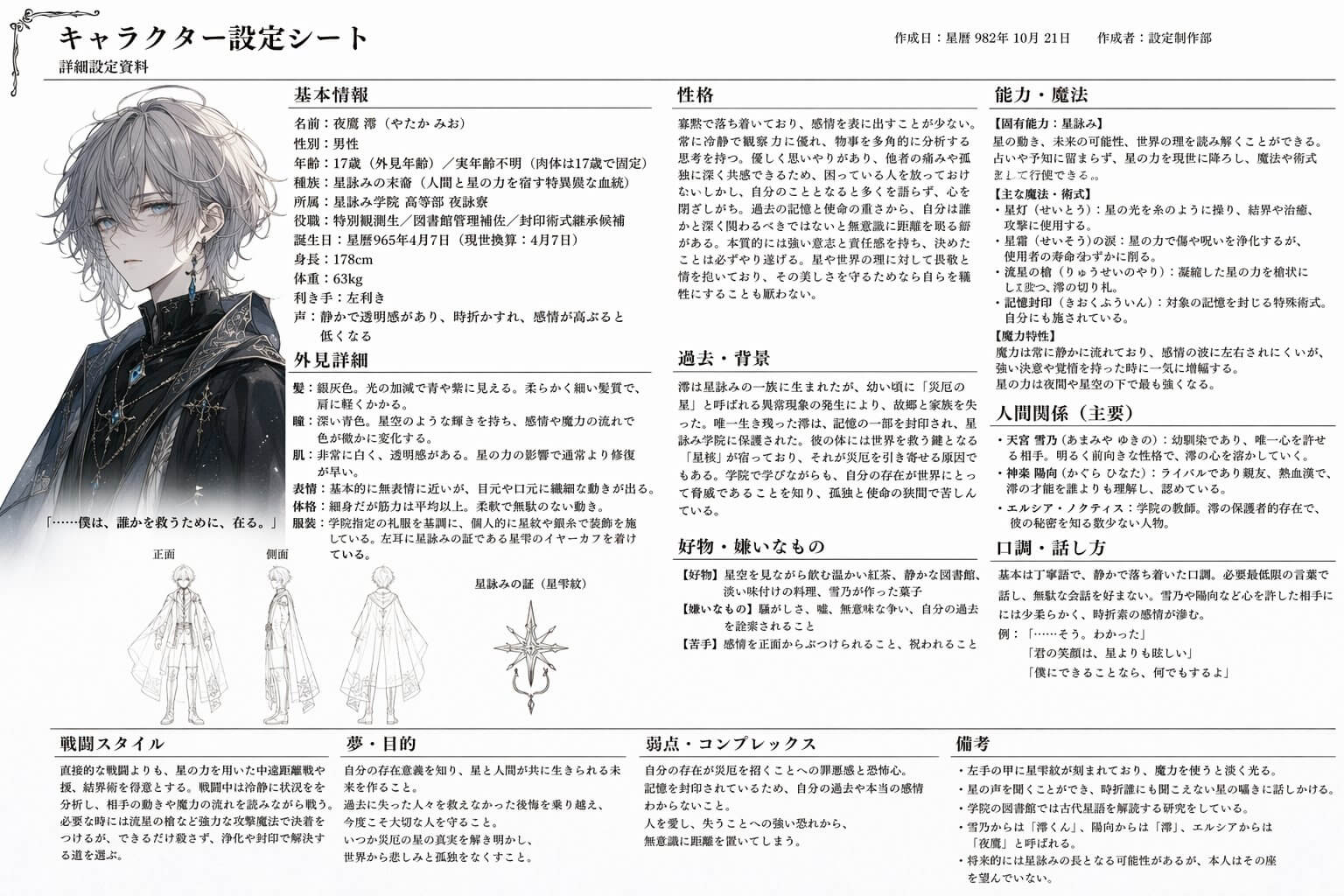
Multi-column character sheet with dense text and image layout.
Character sheet
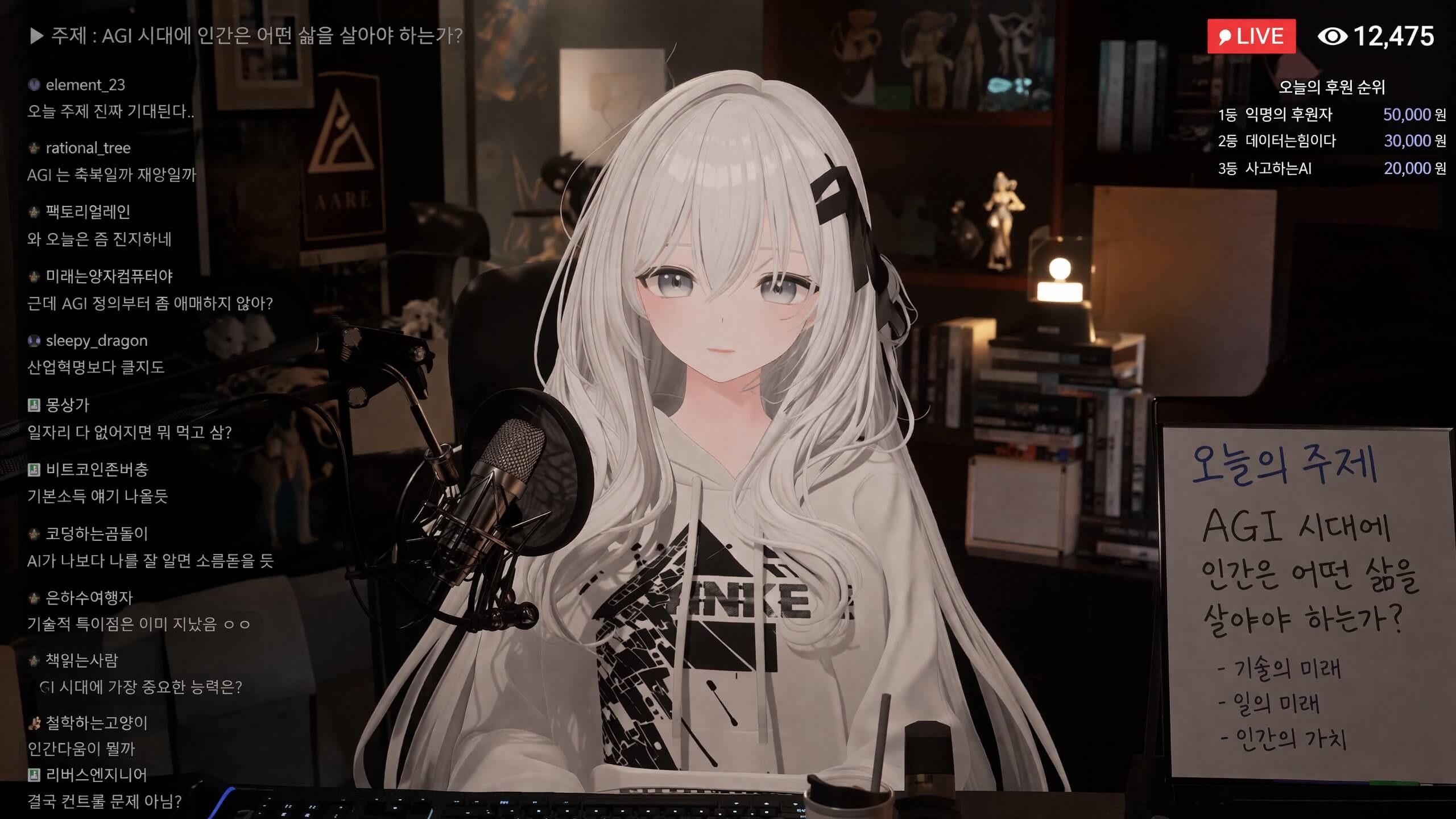
Livestream screen with overlay controls and on-screen text.
Livestream screen
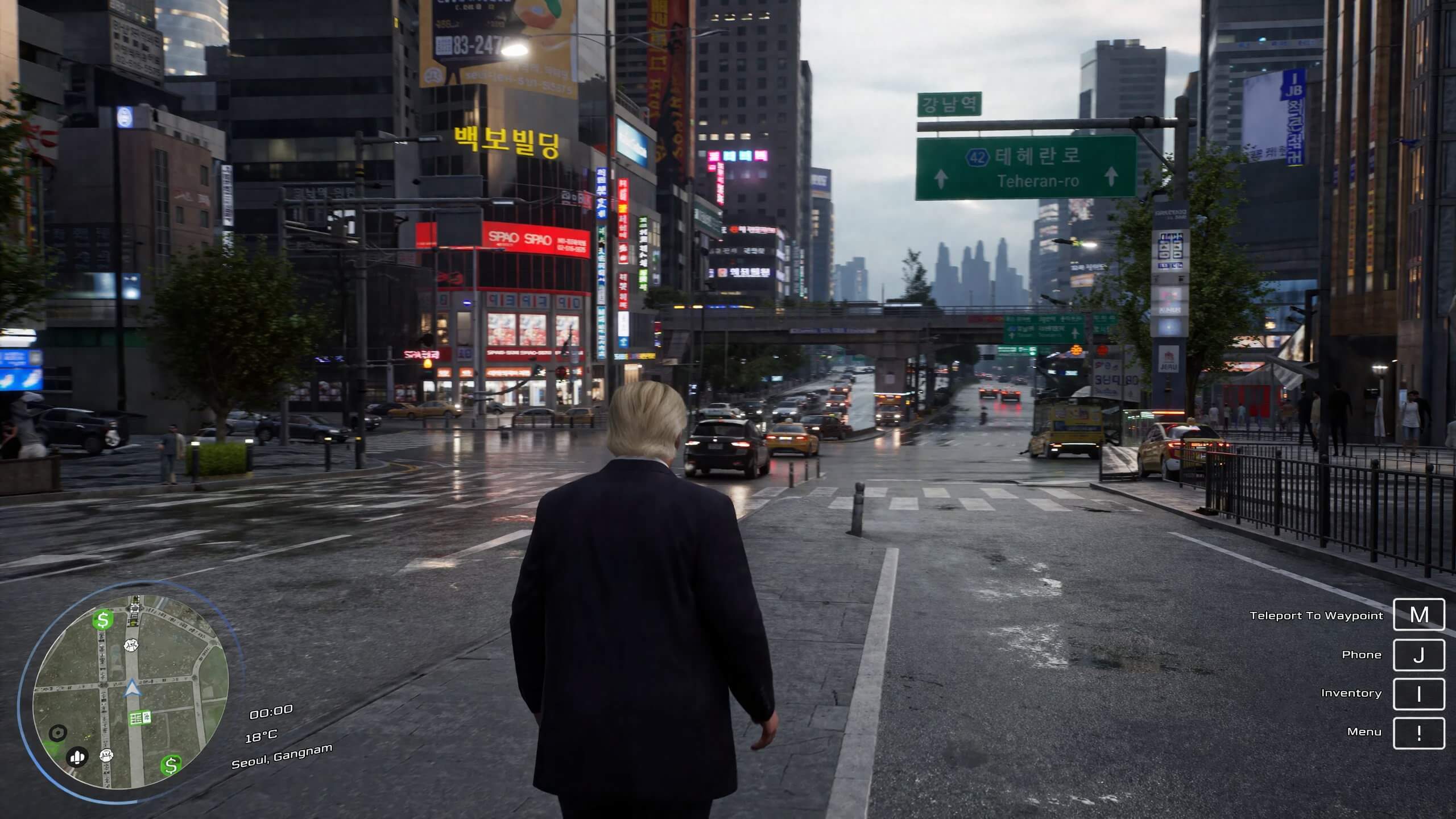
Street scene with game-style interface elements and prompts.
Game-style screen

duct tape ai is a model codename used in anonymous image testing.

It appears in anonymous battles or test routing. It is not listed as a public model, and users cannot select it manually.

duct-tape-1, duct-tape-2, and duct-tape-3 are different names that circulated during testing.

01

It shows up as an anonymous label.

02

Users cannot select it directly from a model list.

03

The community often uses duct tape as a group name for this test line.

The changes people keep pointing out are not limited to one area.

This test line is often used on text posters, complex UI, character cards, product images, and multi-element layouts.

The recurring points are text output, layout control, UI consistency, prompt handling, and commercial image usability.

Major leap in text rendering

Long headlines, button labels, price rows, descriptive copy, and paragraph text land closer to readable output.

More stable multi-column layout

Posters, landing pages, character sheets, menus, and information blocks land in more coherent positions.

Stronger UI consistency

Buttons, panels, tags, inputs, navigation, and status areas feel closer to one interface system.

Fuller prompt execution

When one image contains people, text, icons, controls, and product details, the completion level is higher.

More useful for commercial visuals

Product cards, cover art, ad images, promo pages, livestream covers, and app screens are common test targets.

Better detail continuity

Materials, edges, perspective, lighting, and visual layers collide less and hold together more cleanly.

The most direct method is repeated testing in arena.ai Battle mode.

Once you enter Battle mode, the system assigns models anonymously. Run the same prompt set again and again.

Method 1

Test in arena.ai Battle mode.

Open arena.ai, enter Battle mode, and compare results across repeated generations.

  1. Enter Battle mode.
  2. Input the prompt you want to test.
  3. Prioritize text layout, UI, product images, posters, or dense information frames.
  4. Refresh through more rounds and watch for stronger anonymous outputs.
Method 2

Hit it at random in GPT image generation.

In GPT image generation, this test line can appear at random. Users cannot switch to it manually, so repeated generations are the only way to catch it.

  1. Run the same category of task in GPT image generation.
  2. Compare multiple outputs side by side.
  3. If text, interface elements, and layout come out noticeably steadier, that is usually the test line the community is referring to.

Right now, people mainly test into it in two places.

One is anonymous Battle mode on arena.ai.

The other is random appearance during GPT image generation.

arena.ai

Best for direct Battle mode comparison runs.

GPT image generation

Best for comparing repeated generations in the same task class.

Test prompts

Common prompt types include long text, UI, character cards, product images, and posters.

Run the same prompt set directly in arena.ai Battle mode.

Strong comparison tasks include long-text pages, complex UI, character sheets, product images, posters, and livestream screens.

Open arena.ai